
Free Online Audio to Text Converter
Transcribe Audio to Text Online Free
Upload an audio file or record from your microphone, and Privro transcribes the speech into text right in your browser. OpenAI Whisper runs on your device using WebGPU hardware acceleration. Your voice recordings never leave your computer. Download the finished transcript as a Word DOCX, PDF, TXT, or timestamped SRT subtitle file without creating an account.
Choose your audio file or record from your microphone to transcribe in your browser.
Accepts MP3, WAV, M4A, AAC, OGG, FLAC, OPUS, audio URLs, and live microphone recording.
Watch how to transcribe audio to text online free
Watch how to transcribe audio to text for free online with Privro AI. Whisper runs directly in your browser with no signup and no file upload.
Available Export Formats
Download your transcript in the format suited to your software, publishing platform, or data workflow.
Microsoft Word
Paragraphs and speaker tags ready for editing in Word or Google Docs.
PDF Document
Fixed layout preserving typography and formatting across devices.
Plain Text
Raw unformatted text for ChatGPT, Claude, and note-taking apps.
SubRip Subtitle
TimeStamp for Video Captions, YouTube, Premiere Pro, and other Video Editors.
WebVTT Subtitle
Cue positioning for HTML5 video players and online course platforms.
Microsoft Excel
Columns separating speaker names, start and end timecodes, and speech.
Comma-Separated Values
Universal tabular data for Python pandas, R scripts, and SQL tables.
Structured JSON
Word-level timestamps and segment arrays for developer pipelines.
Clipboard Copy
Copies full transcript in one click for quick pasting into Slack or email.
Get the most accurate audio to text conversion
Guidelines for crisp transcription and faster on-device processing
Keep the microphone close
Place the microphone 6 to 12 inches from the speaker. Background hum from fans or air conditioning degrades accuracy much faster than quiet room reverberation.
Match the Whisper model to your task
Choose Tiny or Base when you need immediate drafts of quick voice memos. Switch to Small, Medium, or Large V3 Turbo for multi-speaker meetings, thick regional accents, and technical vocabulary. Read our guide to AI transcription software for detailed model benchmarks.
Batch audio to text and long files
For long audio to text recordings over an hour, keep your browser tab active. For batch audio to text processing of multiple interviews, queue files sequentially or open multiple tabs to convert audio to text simultaneously.
How to transcribe audio to text online free
- 1
Add your audio file or record live
Drop your MP3, WAV, M4A, or AAC file into the upload zone, paste a direct audio link, or click Record to capture your voice through the browser.
- 2
Pick your model and language
Select a Whisper AI model based on your speed needs. Pick your language from the dropdown, or keep Auto-detect selected for multilingual recordings.
- 3
Transcribe on your device
Click Transcribe Audio. Your computer processes the audio locally using WebGPU acceleration, keeping the entire file in your browser.
- 4
Edit and download your transcript
Review your transcript with synchronized timestamps, correct any names in the built-in editor, and export in your preferred format.
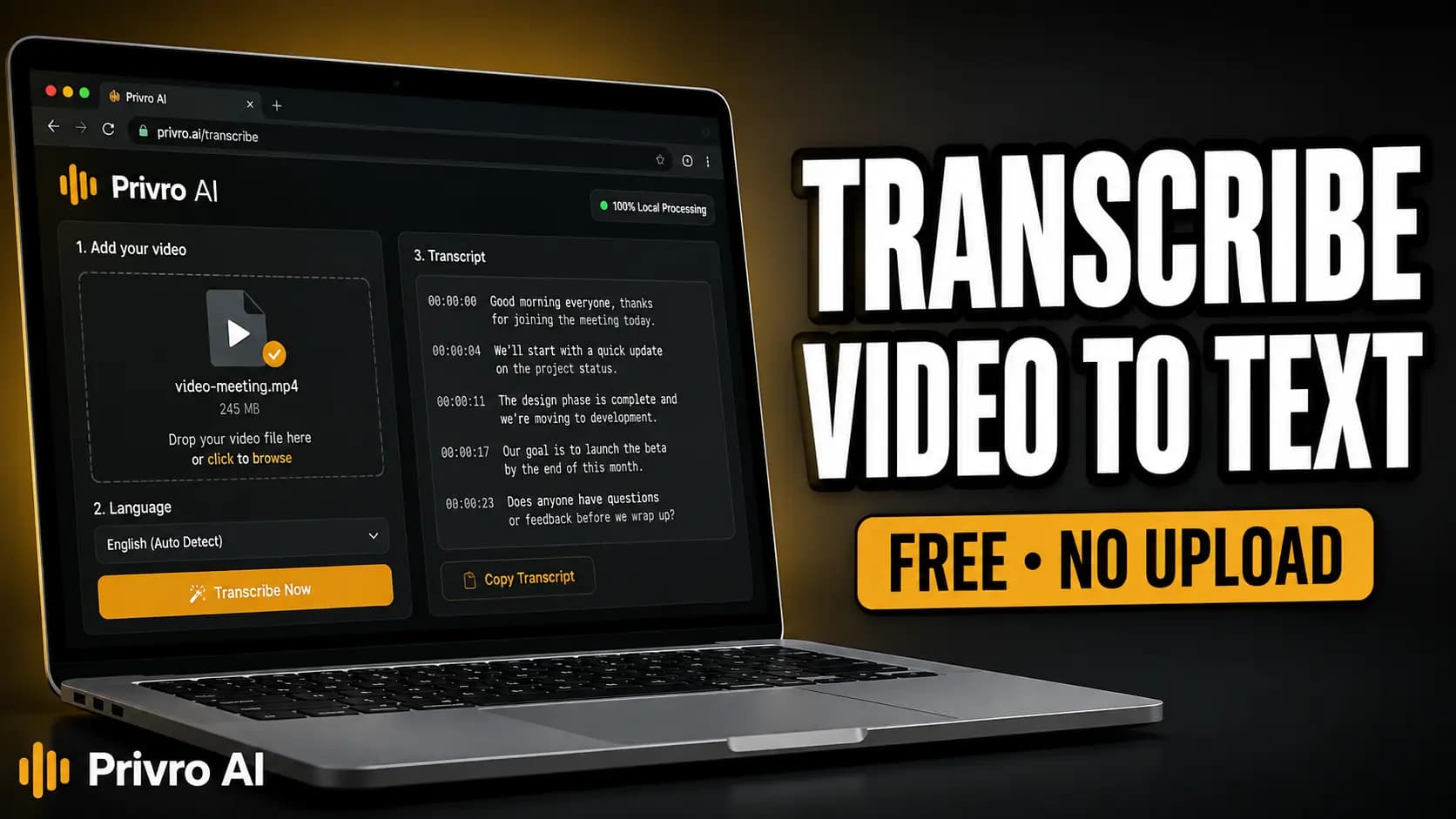
What is Audio to Text Transcription and How Does it Work?
Audio to text transcription converts spoken language from sound files into written sentences. Privro uses OpenAI Whisper neural network models trained on over 680,000 hours of diverse audio. The model evaluates acoustic frequency patterns, identifies individual phonemes, and constructs punctuated sentences with accurate capitalization.
Most speech recognition web services send your audio across the internet to remote server farms. Privro executes Whisper inside your browser using WebAssembly and WebGPU. Your device performs the matrix computations locally, delivering fast speech-to-text without recurring server fees, subscription caps, or queue delays. For all supported formats and advanced options, open the full transcription tool.
Private Audio Transcription on Your Hardware
Uploading confidential audio to cloud servers creates legal and compliance exposure for legal practices, healthcare teams, and journalists. Privro keeps data isolated on your computer. Learn more about our team and privacy architecture.
- Zero server transfers: Your browser tab decodes the audio and runs the Whisper model on your local graphics processor.
- Zero voice data retention: Privro never reads, logs, or stores your audio tracks or transcripts.
- Offline ready: After your browser caches the Whisper model weights, you can turn off your internet connection and transcribe recordings offline.
Transcription Audio to Text Example
Here is a demonstration of how Privro formats spoken audio into a timestamped transcript with speaker clarity:
Stereo 44.1 kHz • OpenAI Whisper Large V3 Turbo
Welcome back to the podcast. Today we are talking about private AI transcription directly in the browser.
Thanks for having me! What surprised me most is that Whisper runs entirely locally on device.
Exactly. No audio files or data ever leave your machine, so confidential files remain private.
That protects client privacy while preserving millisecond-level word timing for subtitles.
Each segment captures clean speaker boundaries and synchronized timecodes. You can send the text to Word for editorial review, download SRT files for video production, or copy snippets directly into your notes.
Why choose Privro's audio to text converter
Most accurate audio to text AI
OpenAI Whisper neural models deliver up to 99% accuracy on clear speech, recognizing industry terminology, diverse regional accents, and noisy recordings.
Audio to text with timestamps
Generate synchronized segment and word-level timestamps for podcast audio, video subtitles, time-coded interview notes, and research archives. Edit and style your timed captions in Caption Studio.
Free audio to text transcription
Transcribe audio recordings to text without creating an account, buying credits, or tracking monthly minute caps. Local processing is unlimited.
9 Export formats and quick copy
Save transcripts in Word DOCX, PDF, TXT, SRT, WebVTT, Excel XLSX, CSV, and JSON, or copy the entire text to your clipboard with one click.
Common audio to text transcription use cases
Interview audio to text
Journalists, HR professionals, and researchers turn recorded conversations into verbatim transcripts. Searchable text makes quoting sources and finding key soundbites fast.
Podcast audio to text
Audio creators turn podcast episodes into show notes, blog posts, and newsletter excerpts. Search engines can crawl the text, driving organic discovery to audio feeds. Recording in video format instead? Use the MP4 to text converter.
Meeting audio to text
Convert client consultations, board meetings, and team standups into clean written summaries. Team members can review action items without listening through hour-long calls.
Lecture audio to text
Students and faculty turn recorded university lectures, conference panels, and academic seminars into organized study materials and searchable course archives. Convert your notes back into spoken audio with the text-to-speech tool.
Local Privro vs typical cloud converters
| Feature | Privro (Local WebGPU) | Typical Cloud Tool |
|---|---|---|
| Cost and minute limits | Free, unlimited recording length | 10-15 minute trials, then $10-$30 monthly fees |
| Audio privacy | Files stay on your machine | Voice files upload and store on cloud servers |
| Account requirement | Open the page and transcribe | Mandatory signup, email verification, and login |
| Export options | DOCX, PDF, TXT, SRT, VTT, XLSX, CSV, JSON | Often limits free tiers to raw TXT files |
Privro runs open-source Whisper models on your computer hardware. Your recordings remain private.
Supported languages for audio transcription
Whisper automatically detects the spoken language across 90+ languages, or you can select your language manually for maximum precision.
- English
- Chinese
- German
- Spanish
- Russian
- Korean
- French
- Japanese
- Portuguese
- Turkish
- Polish
- Catalan
- Dutch
- Arabic
- Swedish
- Italian
- Indonesian
- Hindi
- Finnish
- Vietnamese
- Hebrew
- Ukrainian
- Greek
- Malay
- Czech
- Romanian
- Danish
- Hungarian
- Tamil
- Norwegian
- Thai
- Urdu
- Croatian
- Bulgarian
- Bengali
- Persian
- Tagalog
- Swahili
- Marathi
- Gujarati
Tips for highest audio transcription accuracy
Distance and direction
Speak 6 to 12 inches from the microphone capsule. Keeping a consistent distance prevents sudden volume drops and consonant distortion.
Acoustic environment
Record in rooms with soft furnishings, rugs, and curtains. Hard surfaces like tile and bare walls bounce sound waves, creating echo that confuses speech models.
Speaking cadence
Maintain a steady conversational pace. Pausing briefly between distinct thoughts helps Whisper place punctuation in natural sentence positions.
Model selection
Use Base for quick personal memos. Switch to Large V3 Turbo when you need to transcribe multi-speaker debates, legal hearings, or heavy background noise.
Related transcription tools
Frequently asked questions
How do I transcribe audio to text online?
Upload your audio file (such as MP3, WAV, or M4A) or click Record to capture live speech from your microphone. Choose your preferred Whisper AI model and language, then click Transcribe Audio. Privro processes the recording directly on your device and displays the transcript with timestamps, ready to export as Word DOCX, PDF, TXT, or SRT subtitles.
Is Privro's audio-to-text transcription really free?
Yes. Privro runs open-source OpenAI Whisper models locally on your computer through WebAssembly and WebGPU. Because your computer provides the compute power instead of paid cloud servers, you can transcribe audio without subscription fees, usage quotas, or credit cards.
What audio file formats can I upload and convert?
You can transcribe MP3, WAV, M4A, AAC, OGG, FLAC, OPUS, WebM, and MP4 files decoded directly via browser Web Audio and FFmpeg-compatible media formats. You can also paste public audio URLs or capture live speech with the built-in browser microphone recorder.
What export formats can I download my transcript in?
You can download your transcript in Word (DOCX), PDF, plain text (TXT), SRT subtitles, VTT captions, Excel (XLSX), CSV, and JSON. You can also copy the entire transcript to your clipboard with a single click.
Is my audio private and secure during transcription?
Yes. In local transcription mode, all media decoding and speech recognition run inside your browser tab. Your audio files and transcripts never leave your machine or upload to Privro servers.
How accurate is AI audio-to-text transcription?
Privro uses OpenAI Whisper neural network models, which deliver up to 99% accuracy on clear speech. The models handle technical vocabulary, multiple accents, and ambient background noise. Selecting a larger model like Large V3 Turbo increases accuracy on challenging audio.
Can I transcribe audio to text with timestamps?
Yes. Privro generates segment-level and word-level timestamps for every spoken sentence. The timestamps appear in the transcript editor and export automatically to SRT subtitles, VTT files, and timestamped Word documents.
Is there an app or do I need to install software?
No installation is required. Privro runs in modern web browsers including Chrome, Edge, Brave, Firefox, and Safari across Windows, macOS, Linux, and ChromeOS.
Are there file size or recording duration limits?
Local in-browser transcription has no artificial duration or file size caps. Because processing uses your system RAM and GPU, computers with 8GB or more of RAM can transcribe audio recordings lasting multiple hours. For low-memory devices or massive archives, optional cloud processing plans are also available.
Can I transcribe audio in languages other than English?
Yes. Privro supports transcription in over 90 languages, including Spanish, French, German, Hindi, Portuguese, Japanese, Chinese, Italian, Dutch, and Arabic. Whisper automatically detects the spoken language, or you can select your language manually.
Convert audio to text free in your browser
Drop your audio file into the transcriber or record live speech now. No account required.